
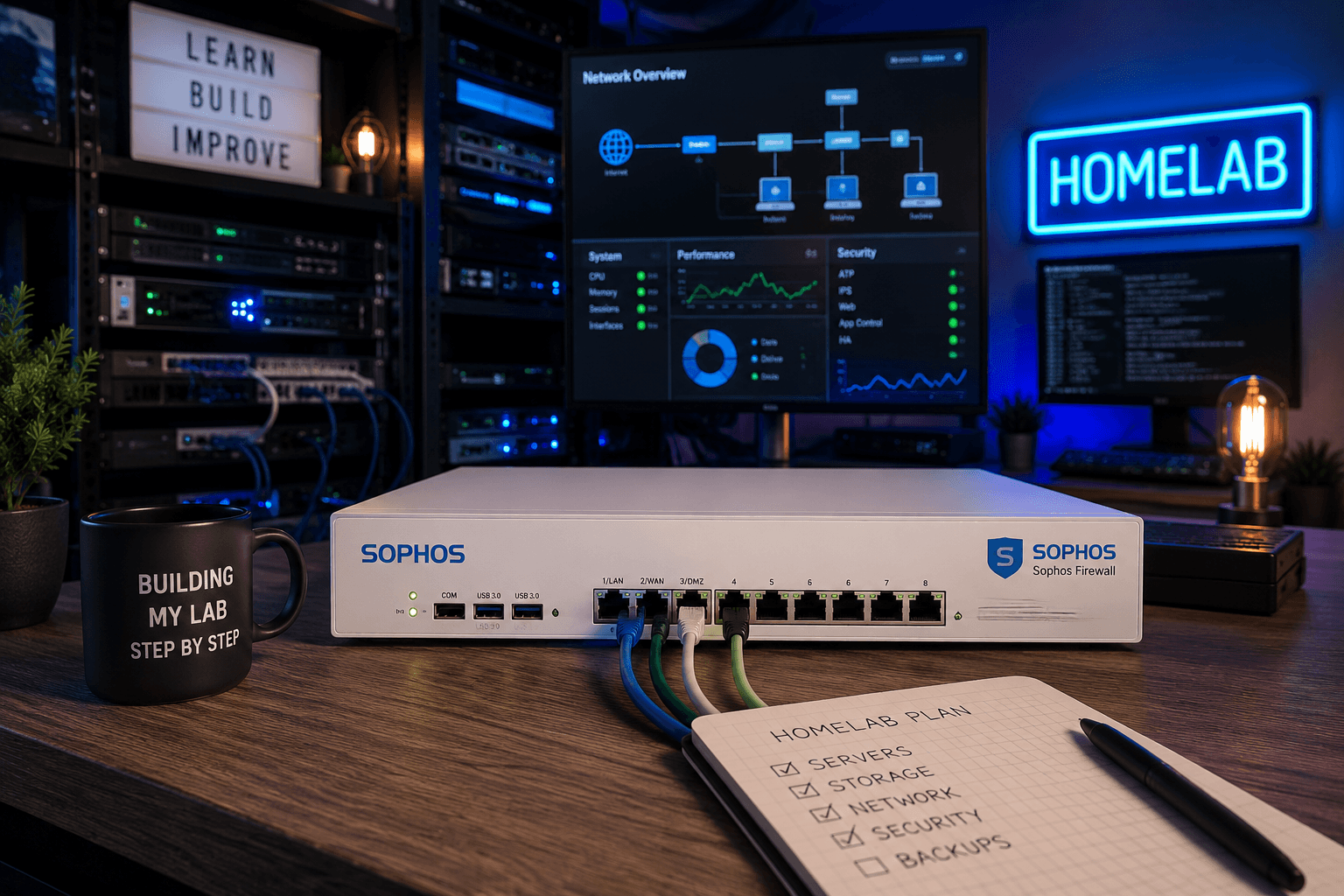
From Frustration to Solution: A Fresh Start for My Firewall

Sometimes a technical problem is just a technical problem.
But during my recovery from a stroke, a problem like this can affect me much more than it used to.
What started as an issue in my homelab, which left my website and email services inaccessible, turned into a frustrating problem that remained unresolved for weeks. Not because I didn’t want to find a solution, but because my energy and concentration are no longer what they were before my stroke.
Still, I kept going.
Step by step.
An Outage That Just Wouldn’t Go Away
At the beginning of August, something important stopped working in my homelab.
My website was no longer accessible, and my email wasn’t working as it should. My firewall plays an important role in my network, so that’s where I started looking for answers.
I checked settings, looked at logs, and tried different approaches.
I also restored an older configuration backup.
But the problem remained.
It was frustrating.
Before my stroke, I would probably have tried several things in quick succession. Now, I have to work much more consciously. I need to make sure I don’t do too much at once or overload my brain.
That makes a technical problem twice as difficult sometimes.
You’re not just dealing with a technical issue.
You also have to take yourself into account.
Frustration Is Sometimes Part of the Process
There were moments when I thought:
Why isn’t this working?
You see an error message, try something, get another error message, and then have to start again.
That can be incredibly frustrating.
Especially when you know that, in the past, you might have worked through a problem like this much more quickly.
But my recovery has also taught me that I don’t have to solve everything at once.
So I tried a different approach.
Not everything at the same time.
One step.
Then check the result.
Only after that, move on to the next step.
A New Firewall
Because the existing firewall installation continued to cause problems, I started looking into a fresh installation of the firewall software.
For my homelab, I could use the free Home Edition. I didn’t need to purchase anything.
I created a new virtual firewall within my existing homelab.
Initially, the installation appeared to go well.
But things went wrong again while installing the latest firmware.
The firewall reverted to its factory settings.
There I was again.
Starting over.
To be honest, that was pretty frustrating.
Not Repeating the Same Thing Over and Over
At that point, I tried to remind myself that repeating the same steps probably wasn’t going to solve the problem.
So I started investigating the technical cause.
I checked the manufacturer’s documentation and looked into the requirements for running the new firmware in a virtual environment.
One of the things that stood out was the available storage space.
The virtual firewall originally had a 32 GB boot disk.
That was the minimum size, but I decided to increase the available space to rule out potential problems during the firmware upgrade.
I increased the boot disk to 64 GB.
I can’t say with complete certainty that the storage space was the original cause. However, increasing it was a logical step to eliminate one possible source of trouble.
Trying Again
After that, I ran the installation again.
This time, I didn’t use the automatic firmware update during the initial installation.
The installation completed successfully.
The firewall restarted.
And then the screen appeared again.
No error message.
No factory reset.
Just the normal login screen.
I then confirmed that the new firmware had been installed correctly.
Honestly, that felt pretty good.
Not only because the technology was finally working, but also because I had solved a problem that I had repeatedly thought I might not be able to get past.
The Backup Turned Out to Be Worth Its Weight in Gold
After that, I didn’t want to configure everything manually from scratch.
Fortunately, I had a configuration backup of the old firewall.
That backup had been created using the same firmware version that was now running on the new firewall.
This meant I could restore the old configuration.
I approached this carefully too.
Rather than changing everything at once, I first made sure that the new installation was stable.
Only then did I restore the configuration.
The Moment I Knew It Was Working
After restoring the configuration, I could access my website again.
That was the first important milestone.
But email was just as important.
So I tested incoming email using the Microsoft Remote Connectivity Analyzer.
The test was successful.
The mail server was found.
The SMTP port was reachable.
The SMTP capabilities were checked.
And Microsoft was able to deliver a test message successfully.
The test confirmed that the incoming SMTP mail flow was working.
After that, I also checked Outlook for mobile.
Synchronization started working again there too.
That was when I knew for sure:
The outage had been resolved.
What This Means to Me
For someone who hasn’t experienced a stroke, this might seem like an ordinary technical project.
For me, it means much more.
My homelab gives me a way to stay involved with technology.
To learn.
To keep exercising my memory and concentration.
But it also shows me where my limits are now.
A problem that I might once have worked on for hours without stopping sometimes has to be broken down into smaller pieces.
That can be frustrating.
Sometimes I have to stop even though I want to continue.
And sometimes I have to start the next day by figuring out where I left off.
But that isn’t a failure.
It’s part of my recovery.
Step by Step
This outage has taught me something once again.
Not just about firewalls, firmware, and backups.
But also about myself.
I don’t have to solve everything at once.
I don’t have to prove that I can still do everything as quickly as I used to.
I’m allowed to break a problem into smaller steps.
I’m allowed to take a break.
I’m allowed to start again.
And in the end, I can still build things and solve problems.
Perhaps not always in the same way as before.
But in my own way.
Step by step.
The Old Firewall Will Stay for Now
I haven’t removed the old firewall yet.
I’ve only switched it off.
For now, that gives me a safety net. First, I want to be sure that the new firewall continues to work reliably.
After that, I can review the old installation at my own pace and decide what can be removed permanently.
That also reflects how I approach my homelab these days:
First, make sure everything is safe and stable. Then clean up.
Looking Back
The outage lasted for more than a month.
That’s a long time.
There were frustrating moments and times when I had simply had enough.
But eventually, I found a solution.
My website is working again.
My email is working again.
Outlook Mobile is working again.
And my firewall is running on a stable, fresh installation.
For me, this is more than just a technical victory.
It’s also a small reminder that recovery doesn’t mean everything will return to exactly how it was before.
For me, recovery means learning to live with what has changed.
And continuing to move forward.
Calmly.
Step by step.
At my own pace.
[…] I’ve described the whole process in my article From Frustration to Solution: A Fresh Start for My Firewall. […]