
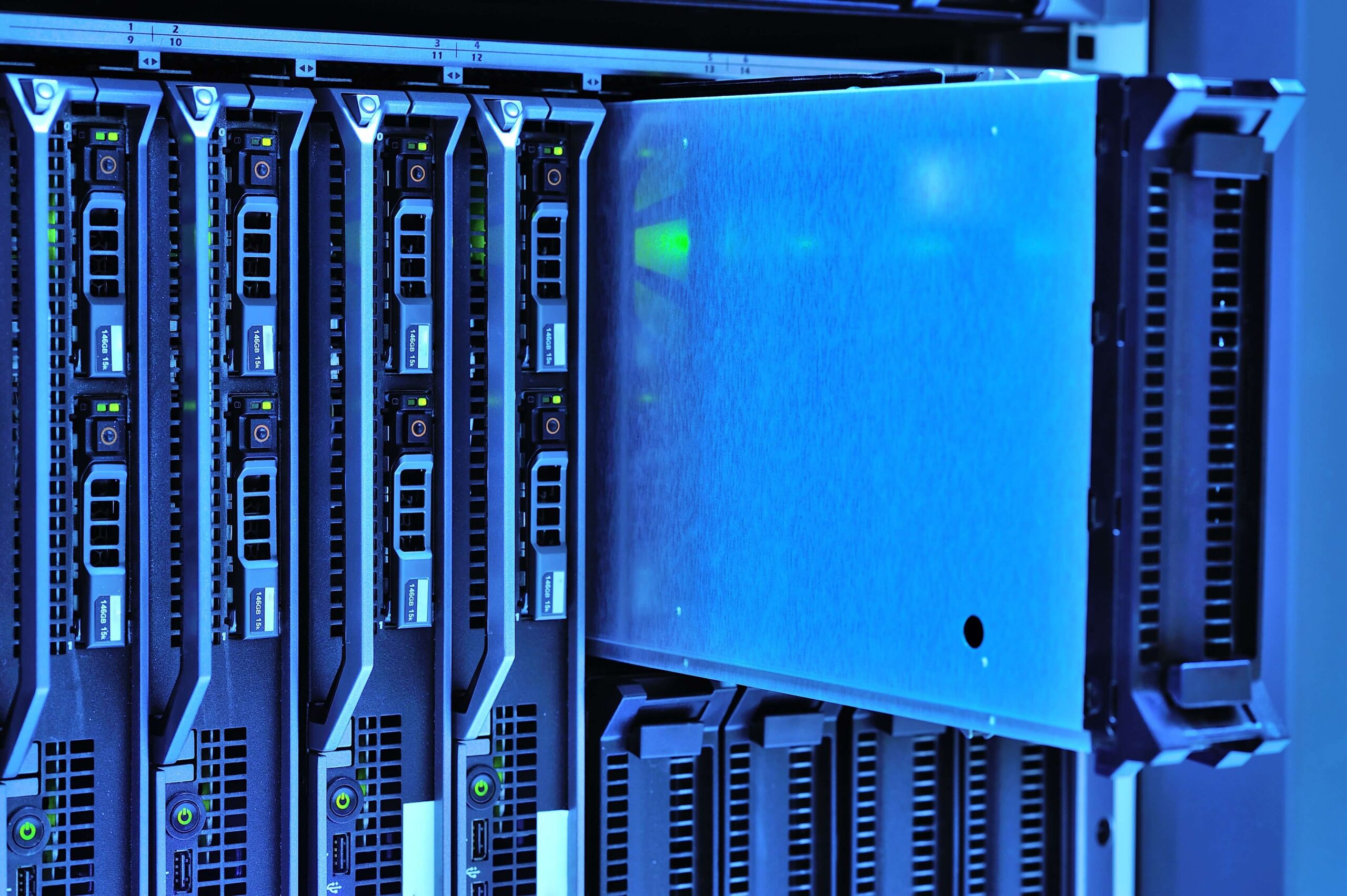
My Homelab Can Break. My Data, Preferably Not.

A homelab is fun.
You can try out servers, run virtual machines, build networks and test all kinds of things. Sometimes everything works exactly as you planned. And sometimes suddenly nothing works anymore.
But there is one thing I have been thinking about more and more:
What happens to my data if something really breaks?
Because you can replace a server.
You can replace a hard drive.
You can reinstall a computer.
But photos, documents and other files that you cannot recover are simply gone.
Storage Is More Than Just a Few Hard Drives
Building a homelab is not just about servers, virtualisation and technology for me. In the end, it is all about my data.
You can build a great environment, but if you lose important files, it is not worth much in the end.
That is why I have been learning more and more about storage and backups.
I have written about this before in my blog: Why Good Storage and Backups Are Important in My Homelab.
In that article, I explain why I no longer see storage as just a technical part of my homelab, but as something I really need to think carefully about.
My Homelab Is Not Perfect
My homelab has developed over time.
I started with the hardware I had and gradually built things further. Along the way, I learned a lot simply by trying things out.
That also means that not everything was set up perfectly from the beginning.
Some systems were configured differently later on. Other components were added because I found I needed them.
And that is exactly why I have come to see storage and backups as increasingly important.
Why TrueNAS Plays a Role
At a certain point, I came across TrueNAS.
I have written a separate article about that before: Why I Chose TrueNAS for My Homelab.
TrueNAS is interesting to me because it allows me to organise my storage in a clear way.
But the same principle applies here: installing a system does not automatically mean that your data is safe.
A storage server is not a complete backup strategy.
I have come to understand that difference more and more.
A Server Is Not a Backup
That may sound obvious, but in a homelab it is easy to confuse the two.
You have a server with files.
The server is running.
You can see your files.
So it is easy to think: my data is safe.
But if that server fails, a drive breaks or something goes wrong with the storage, you suddenly have a problem.
A copy on the same server is not a real solution either.
That is why I have been looking more closely at ways to keep my important data somewhere else.
My Homelab Must Be Able to Recover Too
For me, a backup is therefore not just about files.
It is also about being able to recover.
If something goes wrong with a server tomorrow, I do not want to have to start all over again.
I want to be able to fall back on a copy and continue from there.
That actually fits very well with the way I am working on my own recovery.
Not everything has to go right the first time.
If something does not work, I look at what is needed to take the next step forward.
Older Hardware Can Still Be Valuable
One of the things I like about a homelab is that not everything has to be new.
An older server or storage machine can sometimes still do an excellent job for a specific task.
That also fits my way of working.
Rather than immediately throwing something away because it is older, I first look at whether it can have a second life.
That can be particularly interesting for storage and backups.
You do not always need the latest hardware to build a good backup solution.
But How Many Backups Do You Actually Need?
I have also been thinking about that more and more.
One copy is better than nothing.
Two copies are better.
But if both copies are stored in the same place and something happens to that location, you still have a problem.
That is why I want to keep improving my storage and backups.
Not because my homelab needs to become a professional data centre.
But because I simply do not want to lose my own data.
During My Recovery
My life changed three months ago because of a stroke.
I have been very fortunate, but I am still fully in the process of recovering.
I have noticed that my memory sometimes lets me down too.
For example, I may know that I saved something somewhere, but no longer remember exactly where.
And then the searching begins.
Where did I put it?
Which computer was it on again?
Which folder?
Did I perhaps make a backup of it?
That may sound like a small thing, but it has made me even more aware of how important it is not only to store your data properly, but also to be able to find it again.
During my recovery, I am trying to pick up my technical hobby again, one step at a time.
Not everything at once.
Just taking my time to look, search, learn and move forward again.
My Homelab Can Break
I accept that.
Hardware eventually fails. A drive can die. A system can freeze.
You cannot prevent everything.
But you can make sure you are prepared.
My homelab can break. My data, preferably not.
That is why, over the coming period, I will continue looking at storage, backups and, above all, the question:
How can I make sure that I can simply carry on after a problem?
That will be the next part of my homelab.
And as always: one step at a time.
Do you have a backup solution in your homelab or home network that you really trust? I would be interested to hear how you have approached this. Feel free to leave a comment.